





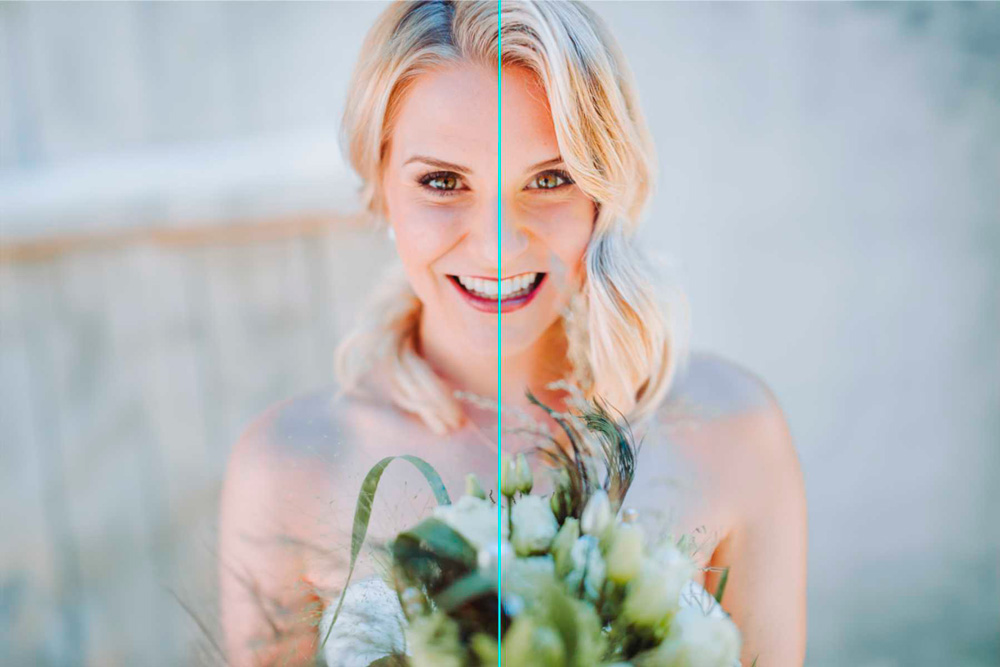
Nerapix has updated its AI-based plugin of the same name for Lightroom Classic. Photographers who use it to edit images can now apply AI-based masks to make selective corrections, such as highlighting teeth or eyes. The new feature integrates Adobe AI masking into the Neurapix workflow.
AI-based masks can be found in the edit menu. Users can choose from different combinations of AI masks directly below the SmartPreset selection to add to the actual editing. You can choose whether you want to use one of Neurapix's three preset adaptive presets or your own. Photographers also have the option to create their own masks and save them in the Develop module under Presets > Adapt. They can then be automatically accessed by Neurapix and can now be easily selected during image editing and applied to multiple images.
With the current plugin update, Neurapix has also replaced the three free-to-use SmartPresets with three brand new, high-quality styles and added two black and white SmartPresets. This means that the following five SmartPresets can now be used for free for editing:
More information about Neurapix can be found at Provider website.

William Faulkner writes for Social Post News, covering news, politics, business, technology, sport, entertainment, and lifestyle. He focuses on clear, reliable reporting and useful information, helping readers stay informed about current events, emerging trends, and stories that matter.




More Stories
Google Gemini Downgrade Draws Criticism as Survey Shows Users Oppose New AI Restrictions
Google Gemini Expands Connected Apps With Adobe, Airtable, Peloton and More
OpenRGB 1.0 Expands Open-Source RGB Control Across Windows, Linux and macOS